<html>
  <body>
	<h1>ACME Products</h1>
	<p>Unauthorized access prohibited.</p>
	<a href="/login">Login</a>
  </body>
</html>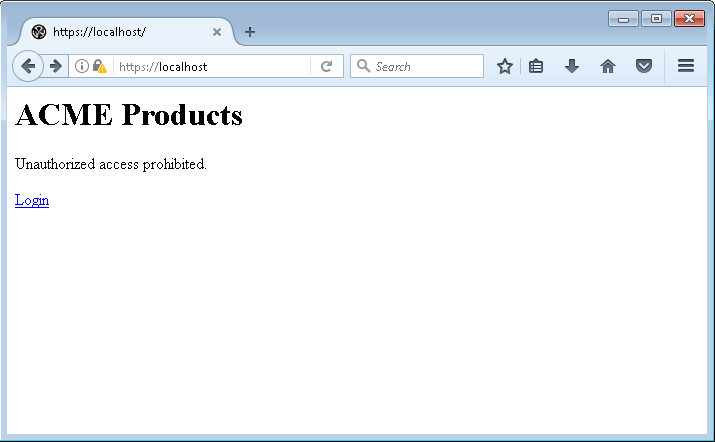
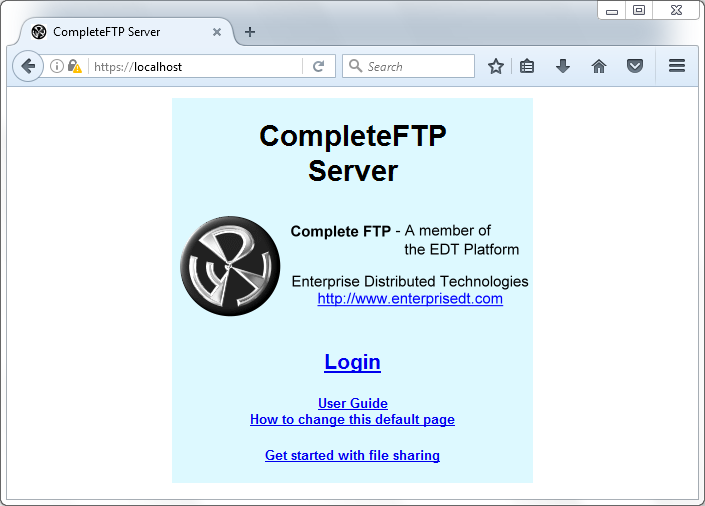
When you first access to the CompleteFTP server via HTTP/HTTPS protocol, the following default HTML will show up.
To customize this page, you need to:
<html>
<body>
<h1>ACME Products</h1>
<p>Unauthorized access prohibited.</p>
<a href="/login">Login</a>
</body>
</html>